Your file stays on your computer. The tool comes to it.
Clean the location out of a photo, sign a PDF, profile a spreadsheet, or pull the colours from an image. Each tool runs inside this browser tab, so there is no upload step, no account and no server that ever holds your file.
Read live from your browser's own network log. Choose a file and watch it stay at zero.
The tools
-
StripShot
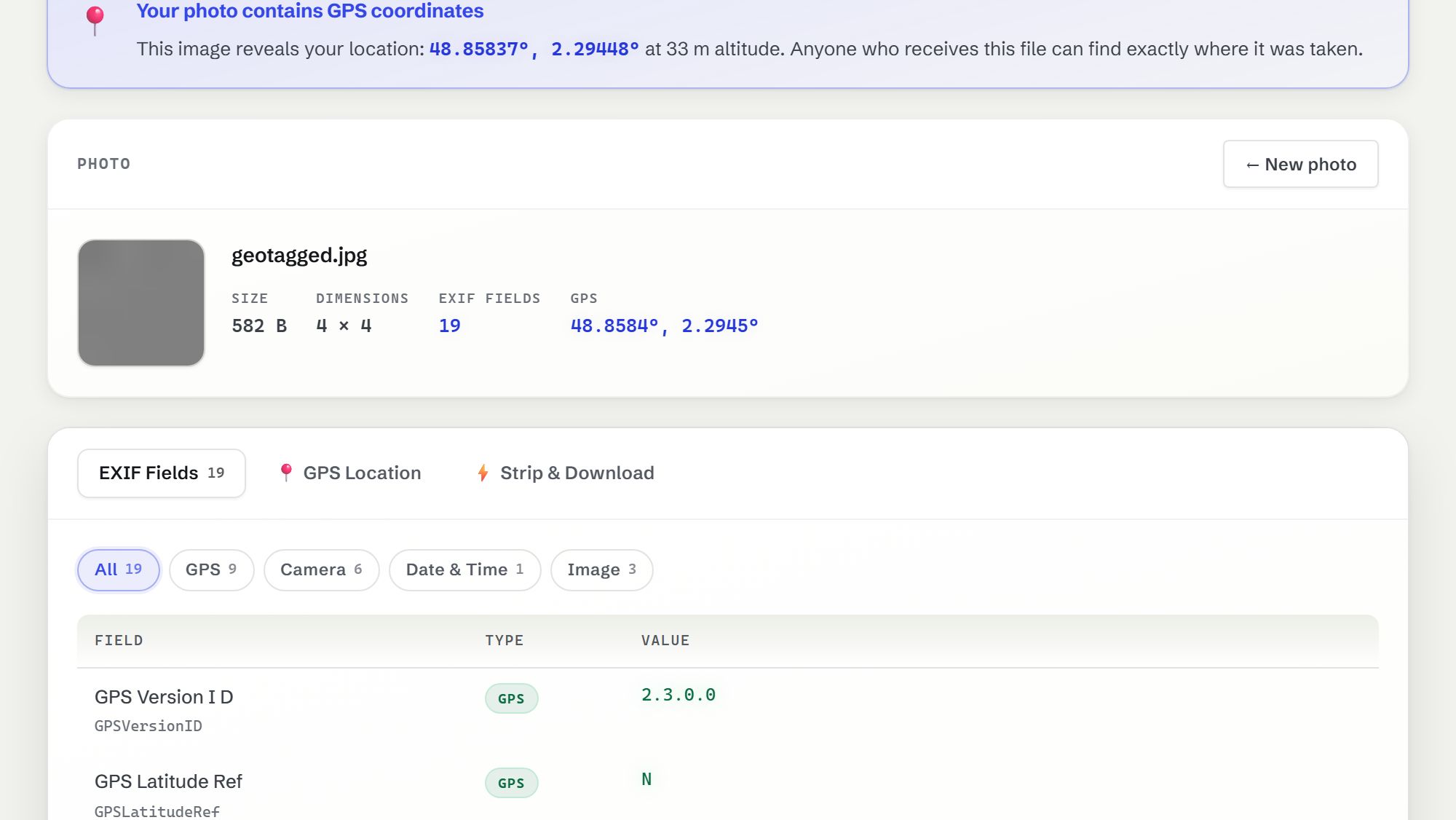
See what a photo gives away (GPS position, camera, serial numbers, timestamps), then save a copy with all of it removed.
JPEG, PNG, WebP
-
FormFix
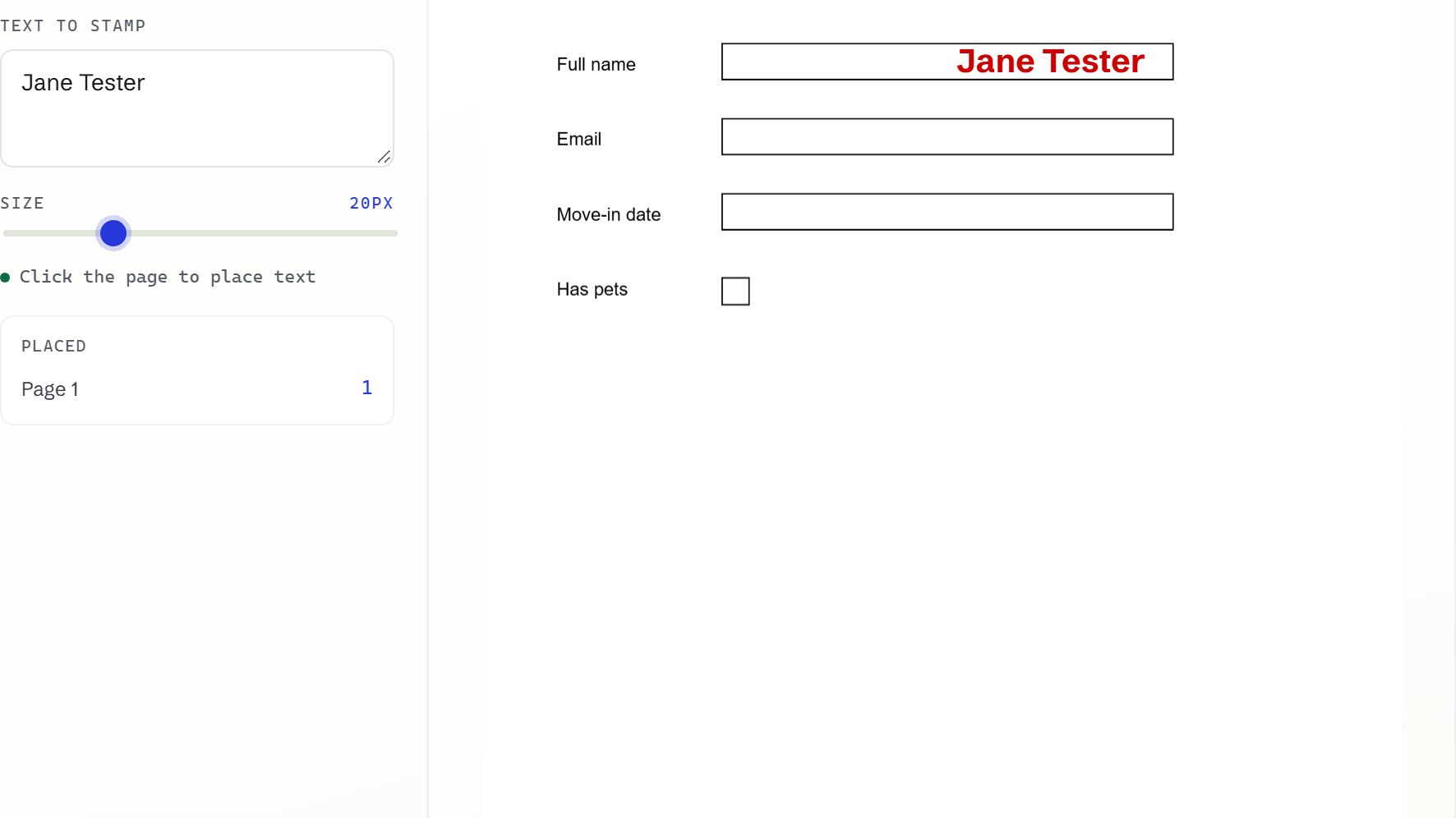
Type text and draw your signature anywhere on a PDF, merge several PDFs into one, or split pages out.
PDF
-
DataPeek
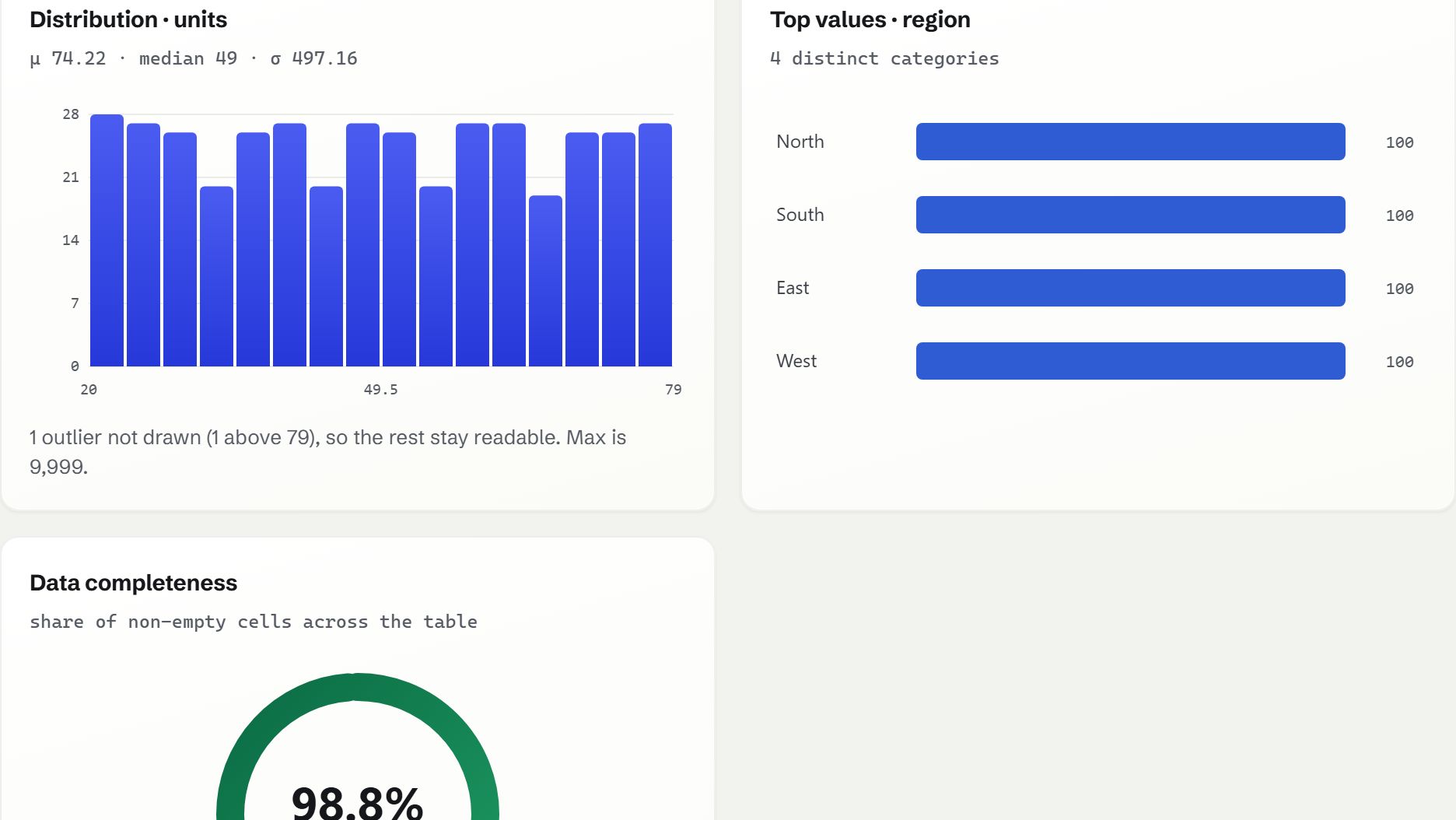
Drop in a spreadsheet and get charts, a profile of every column, blanks and duplicates flagged, and a cleaned copy to download.
CSV, TSV, Excel
-
TrueColor
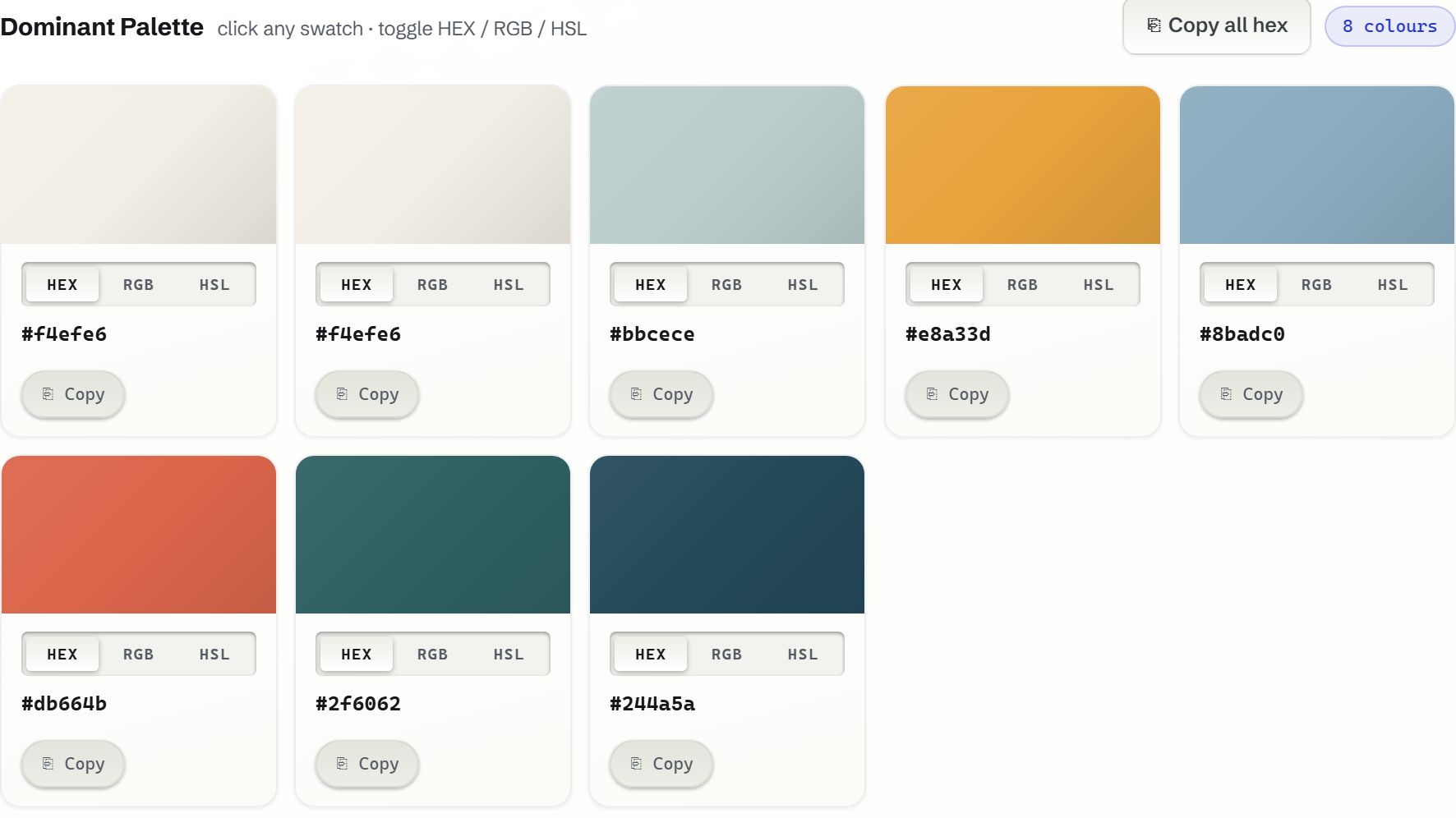
Pull the real palette out of an image, copy it as hex, RGB, HSL or CSS, and see which colour pairs are readable as text.
JPEG, PNG, WebP
How to check this yourself
You don't have to take the claim on trust. On a computer, open your browser's developer tools (F12, or Cmd Option I on a Mac), switch to the Network tab, then use any tool. You'll see the page's own files load, and a small visit report to Cloudflare's analytics, but nothing that contains your file.
Or load a tool, turn off your Wi-Fi, and use it anyway. It keeps working, because the work was never happening anywhere else.
Read the privacy page for the full list of what this site stores and sends.